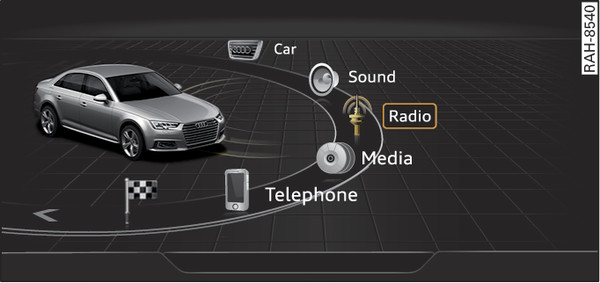
Press the MENU button -6- Fig. ►/Fig. ►. The MMI menus (e.g. Radio) will be displayed Fig. 183►. You can then use the rotary pushbutton to select and confirm a function.
Calling up a menu directly
Press the corresponding button to call up menus directly -5- Fig. ►/Fig. ► in the direction of the menu you require (e.g. RADIO). You can then use the rotary pushbutton to select and confirm a function.