Applies to: vehicles with telephone
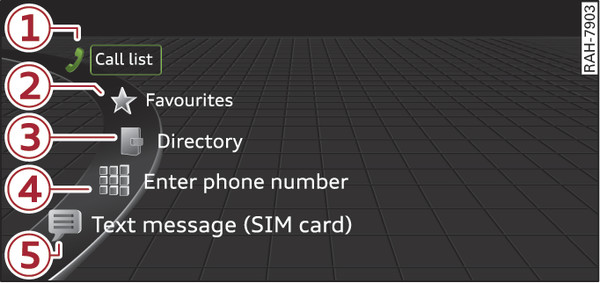
- Fig. 205 Example: Telephone functions in the selection menu
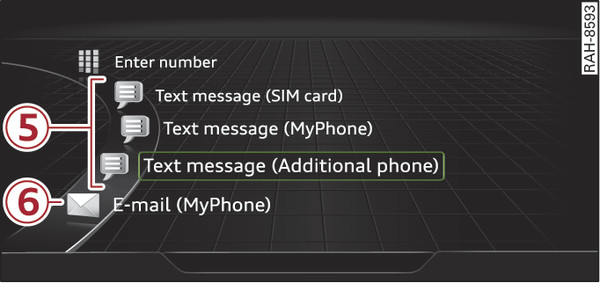
- Fig. 206 Example: Further telephone functions in the selection menu
Important: A mobile phone must be connected to the MMI link►, or your own mini SIM card must be inserted in the SIM card reader* link►.
Select: MENU button > Telephone > left control button.
| -1- | Call list ► |
| -2- | Favourites ► |
| -3- | Directory ► |
| -4- | Enter number ► |
| -5- | Text message (SIM card)*/Text message (MyPhone)*/Text message (additional phone)* ► |
| -6- | E-mail (MyPhone)*/E-mail (additional phone)* ► |
Your mobile phone s device name is displayed in the Telephone menu, e.g. Text message (MyPhone) Fig. 206►.