►Audi A4
►Infotainment
►Multi Media Interf...
◀MMI touch Applies to: vehicles with MMI touch
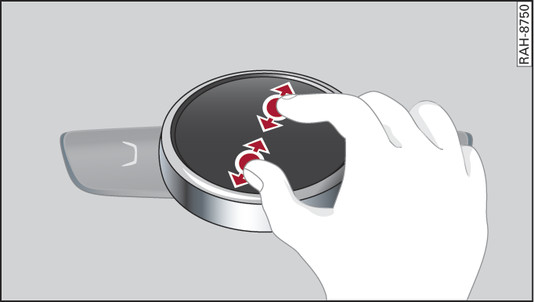
- Fig. 189 Zooming in/out on map
Important: A map must be displayed
link►.
- To zoom in/out on the map: Press the rotary pushbutton to bring up the crosshairs. Place two fingers on the MMI touch pad and move them apart/together Fig. 189►.
To hide the crosshairs, press the
BACK button -7-
Fig. ►.